Seedance 2.5 — Free AI Video Generator for 30-Second 4K Clips

Write a prompt, add reference images, video, or audio, and render a Seedance 2.5 clip with native sound — free credits, no install.

ReferenceFirst & Last FrameText to Video

Upload Media

Image
Video
Audio

Images: jpeg/png/webp/bmp/tiff/gif, ≤9 files, <10MB each. Videos: mp4/mov, ≤3 files, 2–15s total (≥2s each), <50MB. Audio: mp3/wav, ≤3 files, 2–15s total (≥2s each), <10MB. Assign clear roles with @ tags.

Upload reference images (up to 9), videos (up to 3), and audio (up to 3). Tag assets with @Image, @Video, or @Audio so the model knows which character, motion, rhythm, or scene detail to follow.
Generate Seedance 2.5 Video

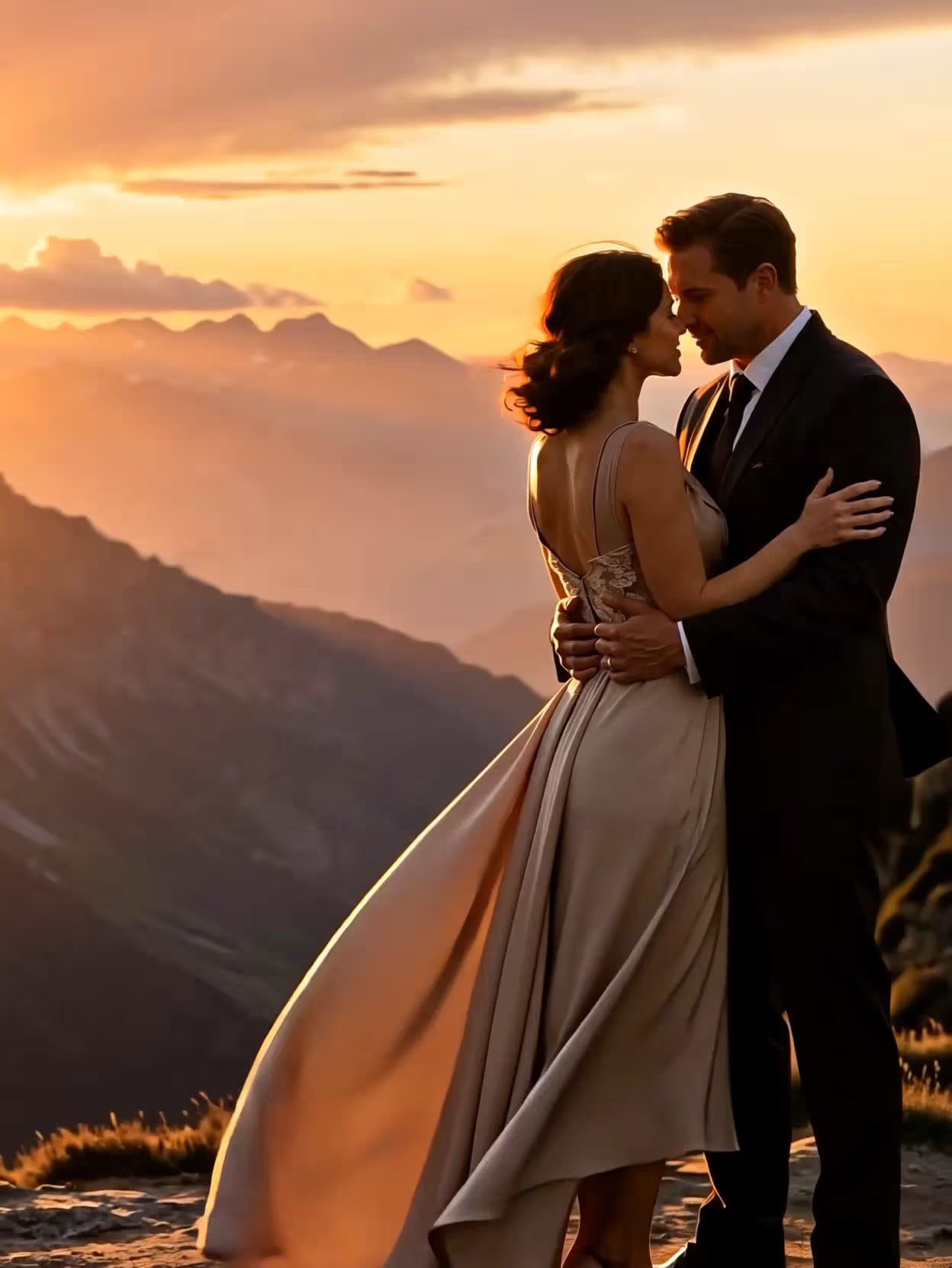
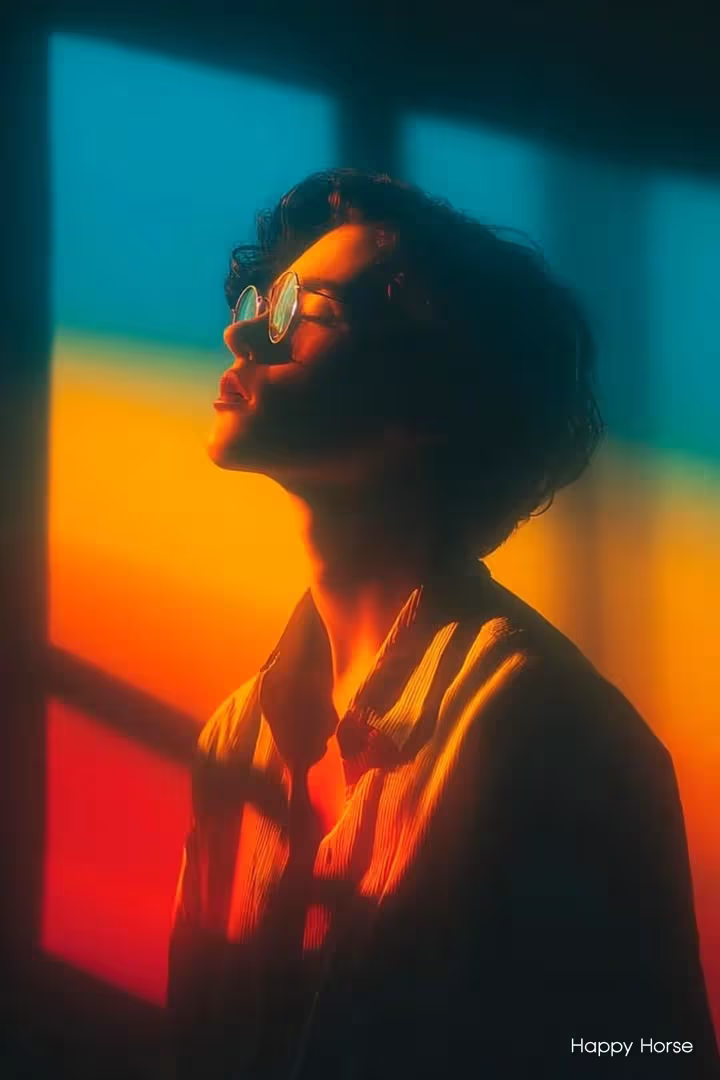
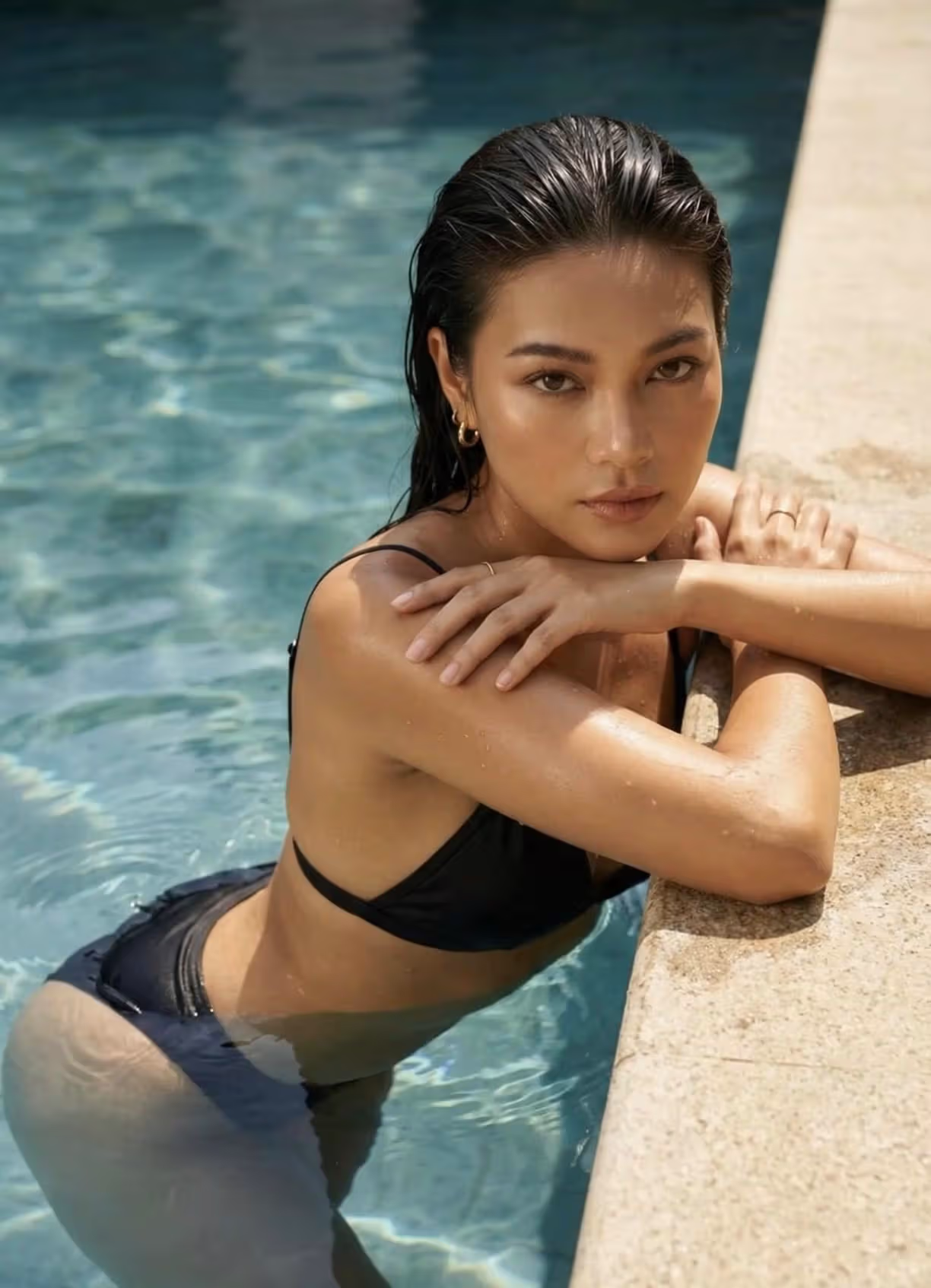
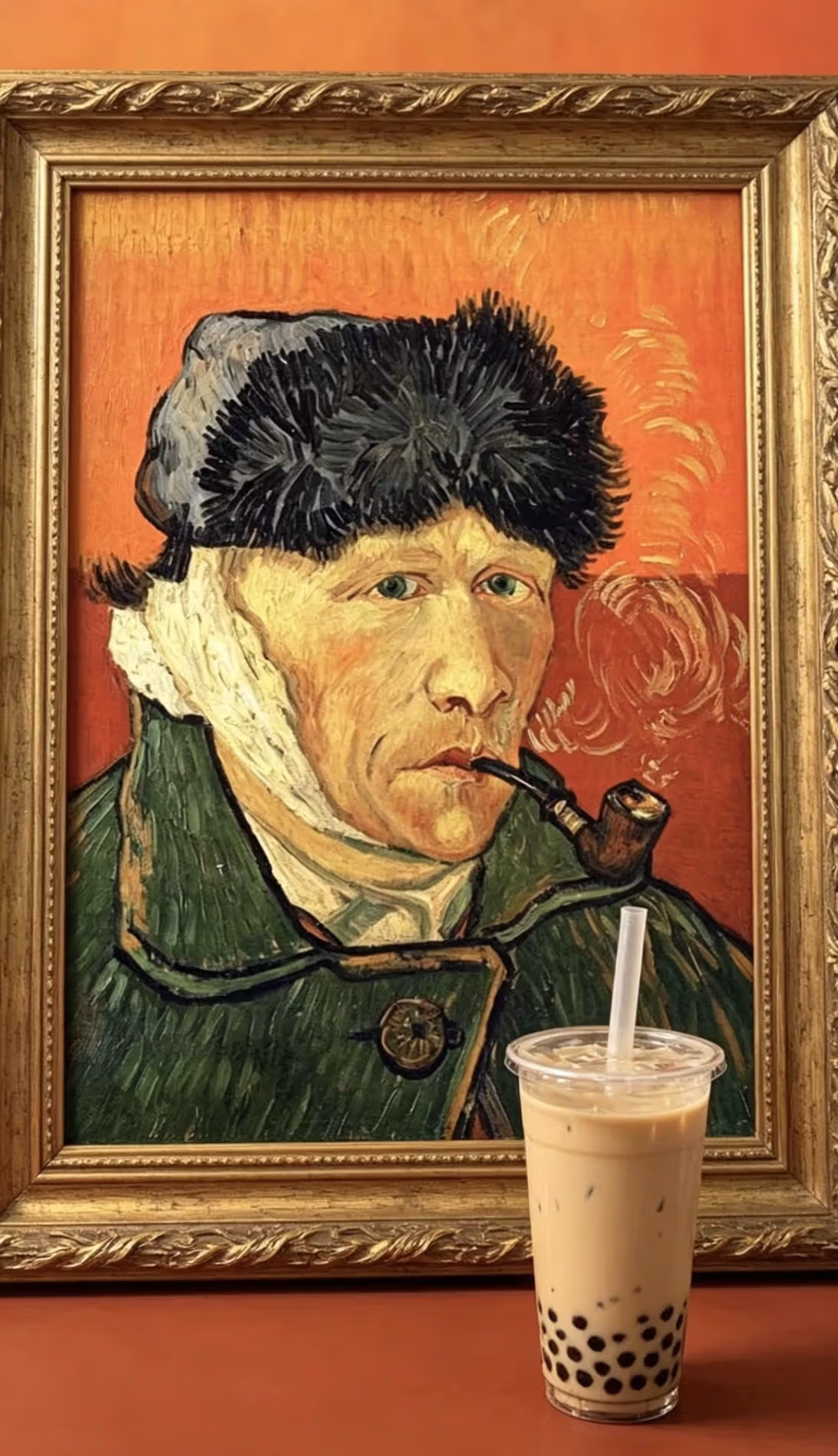
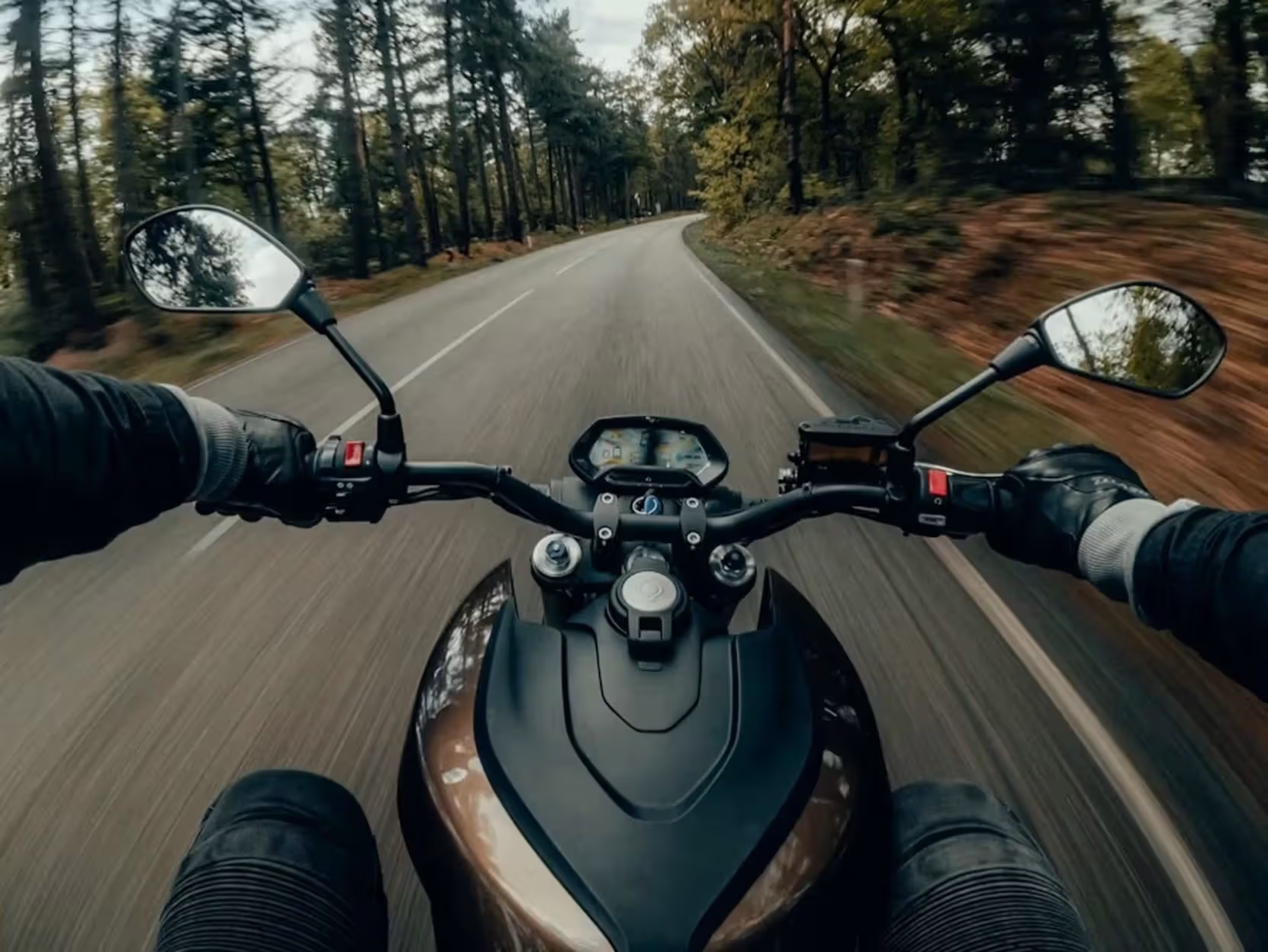
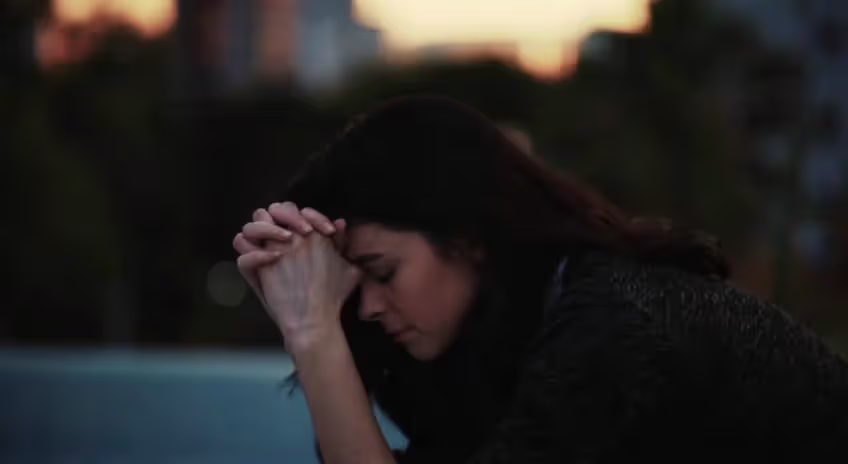
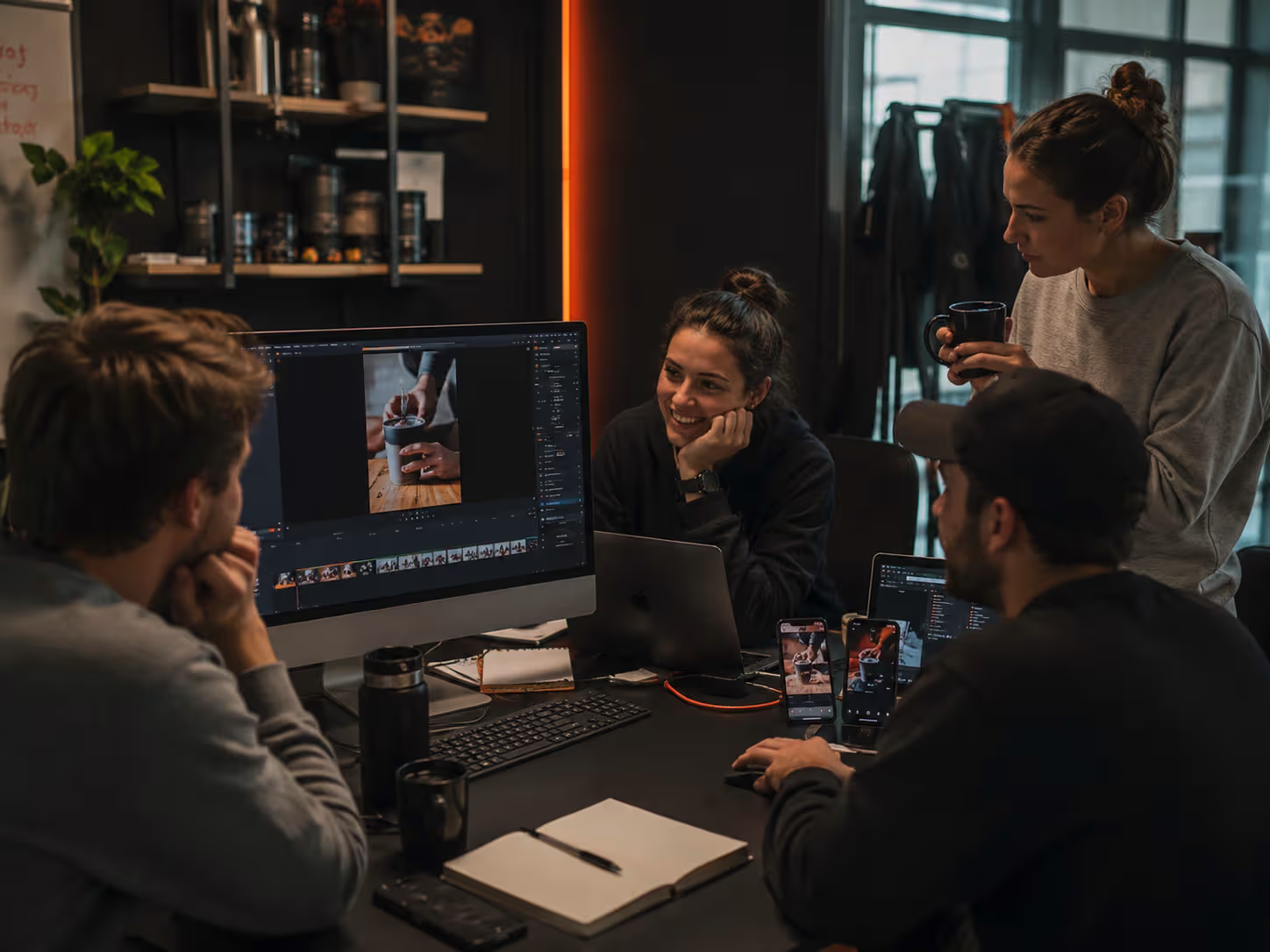
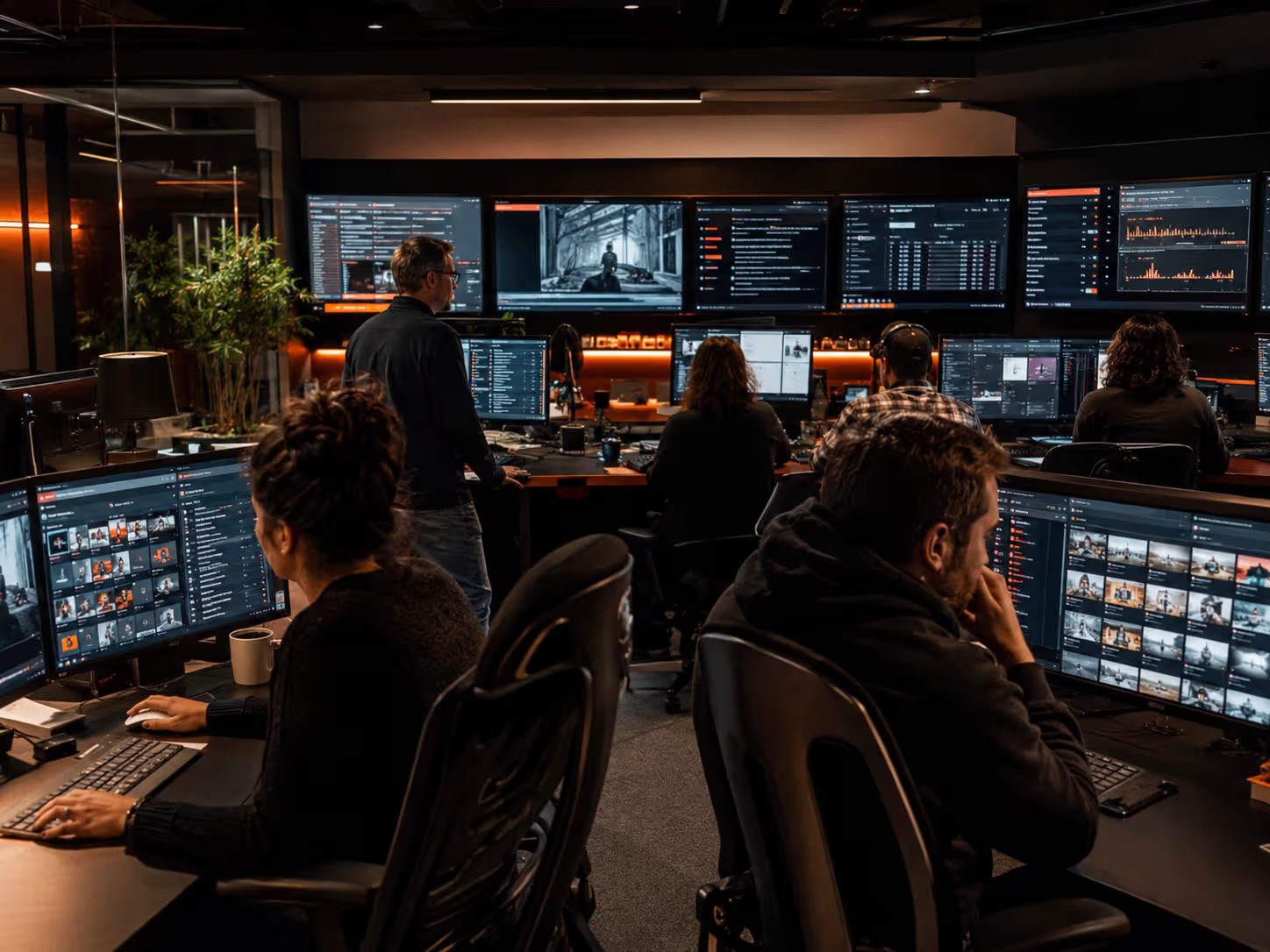
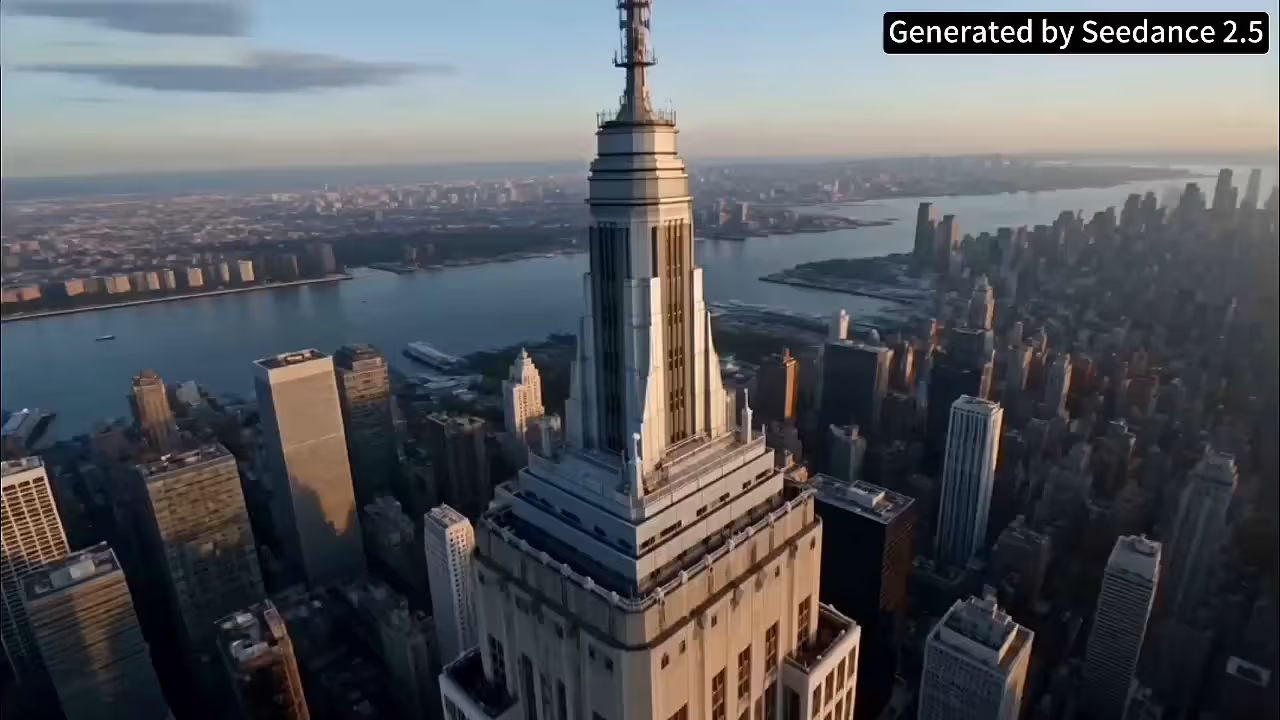
Sample Seedance 2.5 outputs — motion, audio, and reference-led composition.

Latest Release

What is Seedance 2.5?

Seedance 2.5 is meant for finished cuts, not throwaway tests. Next to Seedance 2.0 it doubles native length to thirty seconds, raises the reference ceiling from twelve to fifty, adds 3D blockout input, and lands roughly twenty percent closer to your brief on the first render—without stitching a second clip just to reach a longer runtime.

Seedance 2.5 multimodal video generator interface and sample output
  • 30sSingle-shot clip · one continuous take
  • 4KNative resolution · no upscaling pass
  • 50Multimodal references · text, image, audio, video, 3D
  • 3DWhite-model blockout · new reference type
  • +20%Prompt adherence vs Seedance 2.0

Key Features

Key Features of Seedance 2.5

Explore the core Seedance 2.5 features, including 30-second single-shot video generation, native 4K output, up to 50 multimodal references, stronger prompt adherence, and 3D blockout input.

Feature 1

30-second native single-clip output

One brief, one render: a full thirty-second file back—no stitching two fifteen-second halves and hoping continuity holds. Product spots, music-video segments, and complete reels all land as a single export.

Seedance 2.5 generated 4K marketing clip example

Feature 2

Fifty reference slots, one brief

Drop up to 50 references - text, images, audio, video, and 3D white-model blockouts - into a single Seedance 2.5 brief. Tag each one by role: character, location, motion style, color palette, blocking scaffold. The model holds every reference in its assigned slot for the full clip, so a character reference doesn't bleed into the location plate.

Seedance 2.5 generated music-video segment with character consistency

Feature 3

Finer motion and camera control

Seedance 2.5 reads directional language more literally than 2.0. Slow dolly in, hold on the door, push past camera at second 12 - the kind of phrasing a director would write - translates to the render. Post-generation edits land where you point them: trim a tail, swap a reference, change a motion style without re-rendering the whole clip.

Seedance 2.5 fine motion and camera control sample

Feature 4

~20% better prompt adherence

Roughly 20% more of what you write makes it into the render, compared to Seedance 2.0. Style language ("muted blue, hand-held, slight grain") and edit language ("trim the last 5 seconds, hold on the door") translate to the clip more reliably. Less prompt rewriting; more first-try matches.

Seedance 2.5 prompt adherence demonstration clip

Feature 5

Multi-shot character consistency

Pin a character with up to a dozen reference shots in one brief—the larger reference ceiling finally makes multi-angle consistency workable. Across lighting changes and wardrobe swaps, the lead reads as the same person frame to frame, not a near-twin.

Seedance 2.5 multi-shot character consistency example

Capabilities

What you can make with Seedance 2.5

Character Swap with Seedance 2.5

Pin a reference shot of your lead. Seedance 2.5 keeps the same face across outfit changes, lighting changes, and angle changes — without a per-frame mask or rotoscoping pass.

Motion & Camera Replication with Seedance 2.5

Feed Seedance 2.5 a reference clip of the camera move you want — slow dolly, handheld push-in, whip pan — and the model applies it to your new subject and setting while keeping motion physics believable.

Video Extension with Seedance 2.5

Render past the 30-second native cap by chaining extensions. Seedance 2.5 carries character identity and lighting across segments so chained cuts feel like one timeline.

Cinematic Audio Generation with Seedance 2.5

Native audio rides with the video — dialog, ambience, beat-synced effects. Brief Seedance 2.5 with audio reference clips and lock the sonic feel across the full clip.

One-Take Long Shots with Seedance 2.5

30 seconds in a single continuous render is enough for a complete short-form unit. Seedance 2.5 holds focus, exposure, and motion blur consistent from first frame to last.

3D Blockout to 4K Render with Seedance 2.5

Drop a low-poly 3D scene blockout (Blender / C4D / SketchUp) into Seedance 2.5 as a reference and the model uses the geometry as a camera + blocking scaffold, then fills in photoreal lighting and detail at up to native 4K.

Creative Plot Completion with Seedance 2.5

Give Seedance 2.5 the opening shot and ask for what happens next. The model extends narrative beats with character continuity so the follow-up shot matches the setup.

Sample Outputs

Use Cases for the Seedance 2.5 AI Video Generator

Sample clips generated with Seedance 2.5 — native 30-second 4K output, multimodal references, and directional prompts rendered in the browser. Open the generator to brief shots like these with @ references.

Use Cases

Who reaches for Seedance 2.5 first

Four teams where a thirty-second 4K clip, dense references, or shot-level control actually changes the workflow.

Marketing teams shipping short-form social.

Marketing teams shipping short-form social.

A single 30-second Seedance 2.5 render is the full unit a TikTok, Reel, or YouTube Short needs - no second extension job, no continuity drift. Ship a finished hook from a brief in minutes, then spin variants by swapping one or two references against the same prompt. Five variants of one ad take about as long as one variant used to.

Filmmakers and pre-visualization artists.

Filmmakers and pre-visualization artists.

Pre-viz a scene before going to set, then iterate on shot lists without burning camera time. A 3D blockout pinned to the brief gives the director a real camera path and blocking; Seedance 2.5 fills in lighting, atmosphere, and lens character. The 30-second cap covers most pre-viz units in a single render.

Brand and content teams running multi-shot campaigns.

Brand and content teams running multi-shot campaigns.

Lock a brand character, the supporting cast, the location, the props, and the color palette in one brief, then rerun the same reference set across a campaign. The hero reads as the same face shot to shot—something twelve-reference jobs struggle to hold for half a minute.

Solo creators and indie studios.

Solo creators and indie studios.

Free credits cover trial runs; paid tiers give you native 4K, the full 30-second cap, and commercial-use rights. Skip the editor, the render farm, and the upload step - generate, review, download, publish.

Version Comparison

Seedance 2.5 vs Seedance 2.0: which one to pick

Both Seedance 2.0 and Seedance 2.5 are available in this tool. The table below shows what each version gives you so you can pick the right one for your shot — and when it makes sense to use both. For scorecard, showdown clips, and a full decision matrix, see our Seedance 2.0 page.

Check core video-model capabilities across prompts, image references, audio, lip sync, multi-shot workflows, duration, and max output resolution.

ModelText to VideoImage to VideoMulti-shotNative AudioLip SyncMultimodal InputMax Resolution
Seedance 2.5Up to 30s native clipsnative audioaudio syncUp to 50 multimodal refsNative 4K
Seedance 2.0Native multi-shot workflowText, image, video, audioUp to 1080p / 4K by access
Seedance 1.5 ProNarrative coherenceText + image-drivenUp to 1080p
Kling 3.0Up to 6 shotsOmni audiovoice bindingText, image, video, audioUp to 4K
Kling 2.5 TurboNo native multi-shot; frame controlNot core modelSeparate lip-sync toolText + image / frames1080p
Google Veo 3.1Ingredients + frames workflowsdialogue syncText, image, videoUp to 4K
Wan 2.7Keyframe/reference workflowsaudio inputaudio syncText, image, audio, video edit720p/1080p
PixVerse V5.5Automatic multi-shotText + image1080p

When to pick Seedance 2.5. Any job where length, reference density, or composition control actually matters: full 30-second social hooks, character-locked brand campaigns, pre-viz with 3D-blockout cameras, scenes that need 4K with no upscaling step.

When to stick with Seedance 2.0. Short cuts (~10 seconds), simple briefs with one or two references, draft work where you don't yet need the larger reference budget, or any time you're burning credits to iterate quickly. Many teams iterate on Seedance 2.0, then run the final version on Seedance 2.5.
Process

How to generate a Seedance 2.5 video in 3 steps

Three steps, no install. Most users clear the loop from blank brief to finished 30-second 4K clip inside ten minutes — about five if the brief is simple. Jump to the Seedance 2.5 generator to try it.

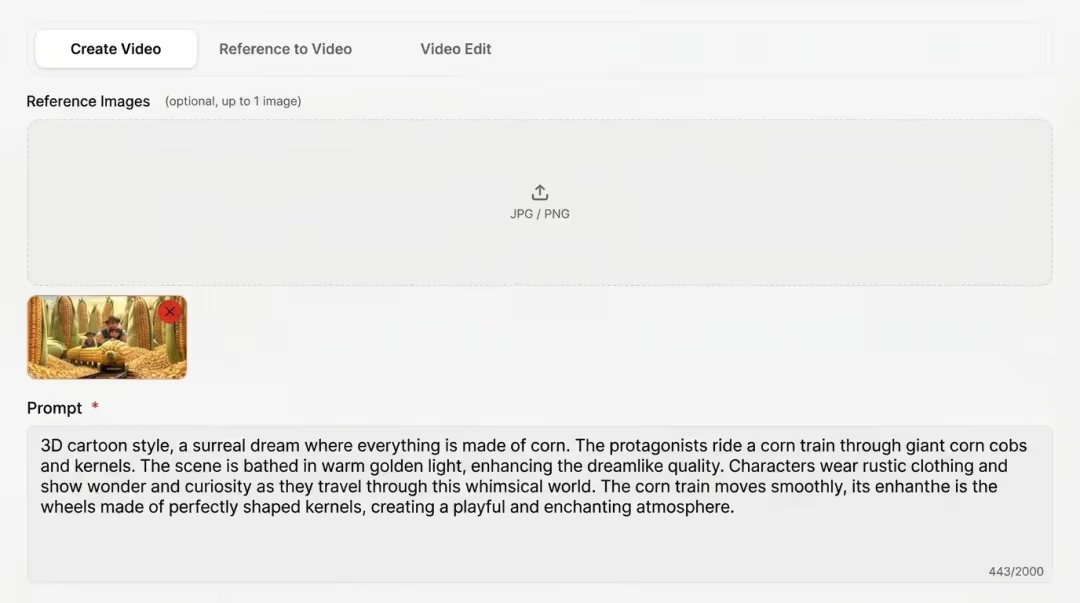
1. Open Seedance 2.5 and write your brief. screenshot

1. Open Seedance 2.5 and write your brief.

Sign in (or use the free starter credits), pick Seedance 2.5 as the model, then describe the shot. Subject, setting, camera move, lighting, mood - the way you'd describe it to a cinematographer. Name the aspect ratio (16:9, 9:16, 1:1, 4:3) and clip length (up to 30 seconds). Seedance 2.5 reads directional language about 20% more accurately than 2.0, so concrete phrasing earns the closest match - slow dolly in, shallow depth of field beats make it cinematic.

2. Attach references - up to 50 in one job. screenshot

2. Attach references - up to 50 in one job.

Drag in any combination of text, images, audio, video, and 3D white-model blockouts. Tag each one by role: character, location, motion style, color palette, blocking scaffold. The tool keeps each reference pinned to its role for the full 30-second clip, so a character reference doesn't bleed into the location plate.

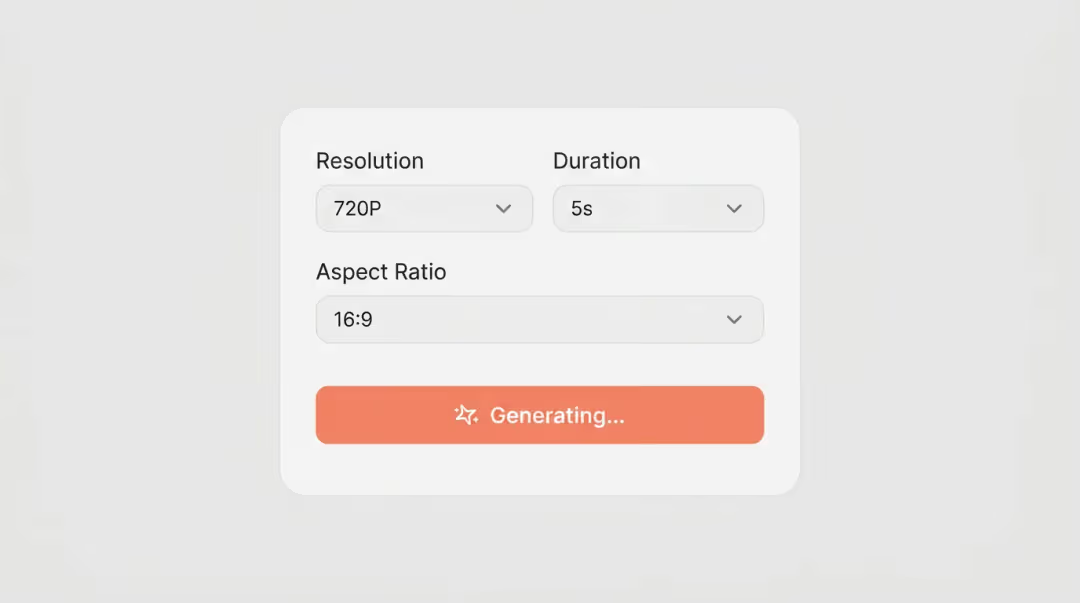
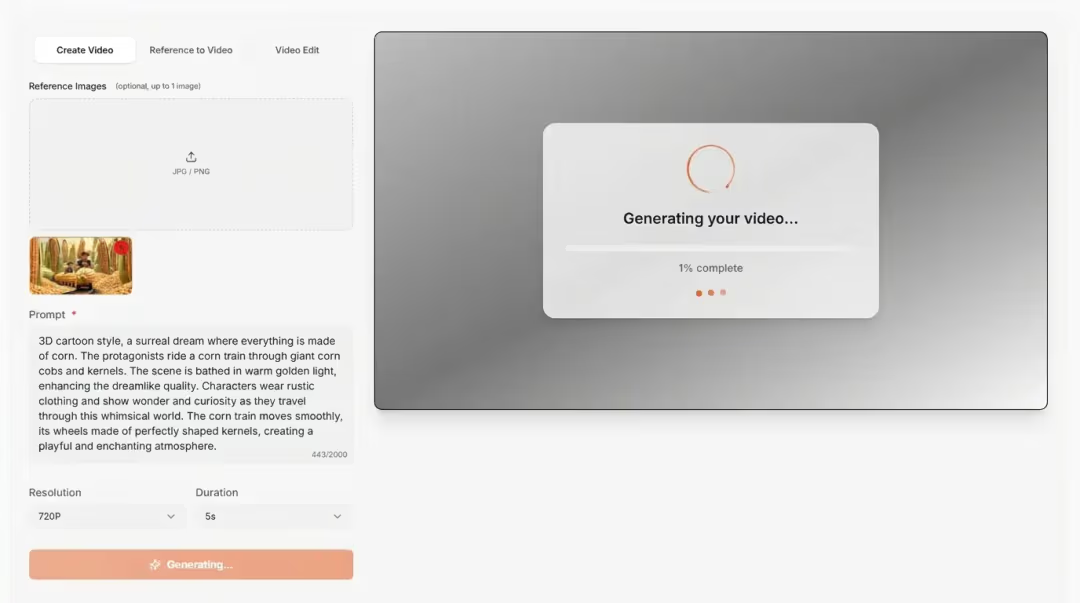
3. Generate, review, download. screenshot

3. Generate, review, download.

Pick a render tier (preview, balanced, or native 4K) and hit Generate. When the clip is back, re-shoot a segment, swap a reference, or push an edit ("trim the last 5 seconds, hold on the door") without re-rendering from scratch. Download the finished 30-second 4K file - MP4, ready to publish or pull into a longer cut.

What Creators Are Saying About Seedance 2.5

From ad teams to solo creators: native 4K clips, synced audio, and reference-led shots that hold character and motion across the full render.

Pricing

Seedance 2.5 pricing

Start with free starter credits, then pick a one-time pack — Starter, Basic, Plus, or Professional. Every option runs Seedance 2.5; longer outputs use more credits by duration and resolution.

LongCat AI Pricing

Choose Your Credit Pack

One-time purchases for LongCat Video and LongCat Avatar. Credits never expire—use them across generation, editing, and avatar workflows.

Base

$9.9one-time
90 Credits
Up to 18 videos generation
Audio-driven avatar generation
480p, 720p, 1080p resolution
Super-realistic lip synchronization
Natural human dynamics
Up to 30s audio duration
Long-term identity consistency
Most Popular

Pro

$29.9one-time
400 Credits
Up to 80 videos generation
Audio-driven avatar generation
480p, 720p, 1080p resolution
Super-realistic lip synchronization
Natural human dynamics
Multi-Character support
Up to 30s audio duration
Long-term identity consistency
Priority processing

Ultimate

$49.9one-time
800 Credits
Up to 160 videos generation
Audio-driven avatar generation
480p, 720p, 1080p resolution
Super-realistic lip synchronization
Natural human dynamics
Multi-Character interactions
Long-form video generation
Up to 30s audio duration
Long-term identity consistency
Priority processing
Production-ready quality

Creator

$99.9one-time
1800 Credits
Up to 360 videos generation
Audio-driven avatar generation
480p, 720p, 1080p resolution
Super-realistic lip synchronization
Natural human dynamics
Multi-Character & infinite-length support
Long-form video generation
Up to 30s audio duration
Long-term identity consistency
Highest priority processing
Production-ready architecture
Commercial license

Choose one-time credits • Flexible billing options

Choose one-timeCredits never expireSecure paymentsEmail support support@longcatai.net

FAQ

Seedance 2.5 FAQ

Quick answers to the questions most users ask before they generate their first Seedance 2.5 video here.

What is Seedance 2.5 AI video generator?

Seedance 2.5 AI video generator is the latest model in the Seedance family. It turns text, images, audio, video, and 3D blockouts into a thirty-second native 4K clip from a single prompt—no separate extend step and no upscale pass. Compared with Seedance 2.0, you get twice the native runtime, four times the reference slots, and noticeably tighter prompt fidelity.

How do I use Seedance 2.5 online?

Sign in on LongCat AI, choose Seedance 2.5, write your brief, attach references if you need them, and submit. The Seedance 2.5 online generator returns an MP4 you can preview and download in the browser—no install, no timeline app. Most renders finish in a few minutes depending on resolution, duration, and queue load.

Is Seedance 2.5 free to use online?

Yes. New accounts receive starter credits with no card required. Free Seedance 2.5 renders cap at 720p with a small watermark. Paid credit packs remove the watermark, unlock higher resolutions and the full thirty-second length, and include commercial-use rights. See Pricing.

Does Seedance 2.5 output native 4K video?

Yes. On Plus and Professional packs, Seedance 2.5 exports native 4K—the pixels are rendered at that resolution, not enlarged from 1080p. You can also target 480p, 720p, or 1080p when you are iterating. Aspect ratios include 16:9, 9:16, 1:1, and 4:3.

Can Seedance 2.5 do text to video and image to video?

Yes. Seedance 2.5 text to video builds a clip from a written brief alone. Image to video animates a still or interpolates between first and last frame pairs. Universal Reference mode mixes images, clips, audio, and 3D blockouts in one brief—typical for branded or character-heavy work. See Try the generator.

How many multimodal references can Seedance 2.5 accept?

Up to fifty mixed multimodal references on paid packs—images, clips, audio, text, and blockouts—with each file assigned a clear role so they do not bleed together. Starter tiers allow fewer slots. A focused twenty-reference brief usually beats a cluttered fifty-file upload.

What is Seedance 2.5 3D blockout input?

Seedance 2.5 3D blockout input is a simple untextured geometry scaffold you attach as a reference so the model follows your camera path and subject blocking. Export from Blender, Cinema 4D, Maya, or SketchUp, then describe materials and lighting in text.

Can Seedance 2.5 generate 30-second AI videos?

Yes. Thirty seconds is the native single-render ceiling for Seedance 2.5—one brief, one thirty-second AI video file back with no stitching two halves. For longer work, chain extensions from an existing clip or stitch several thirty-second segments that share the same references. Long chains can drift on identity or lighting—review each segment before you extend again.

How long does Seedance 2.5 take to render a video?

Most Seedance 2.5 renders complete in two to five minutes, scaling with resolution, duration, and queue priority. A short 1080p clip on Starter often lands inside three minutes; a thirty-second 4K render on Professional typically finishes within five. Paid packs access a faster priority queue at peak hours.

How does Seedance 2.5 compare to Seedance 2.0 and Veo 3?

Seedance 2.5 vs Seedance 2.0: 2.5 doubles native runtime (30s vs 15s), raises the reference ceiling from 12 to 50, adds 3D blockout input, and tightens prompt fidelity. Seedance 2.5 vs Veo 3: 2.5 leads on clip length and reference density; Veo 3 leads on cinematic color grading. Pick 2.5 when length, reference budget, or composition control matter most. See Seedance 2.0.

How much does Seedance 2.5 cost on LongCat AI?

Seedance 2.5 pricing on longcatai.net starts with free starter credits, then one-time packs from Starter through Professional. Credits never expire. Exact cost depends on duration, resolution, and whether you use Fast or Standard — the generator shows the credit total before you confirm. See Pricing.

Does Seedance 2.5 generate videos with native audio?

Yes. Seedance 2.5 generates native audio with every clip—sound effects, ambience, and background music ride with the video unless you supply a reference track for rhythm or lip-sync. Brief Seedance 2.5 with audio reference clips to lock the sonic feel across the full thirty-second output.

Get Started

Ready to create with Seedance 2.5?

Generate your first 30-second 4K clip in minutes. No credit card required to explore the model.