2K multimodal video with native stereo sound
MiniMax H3 AI Video Generatorwith native stereo sound
Create MiniMax H3 4–15 second 2K videos from text, images, video, and audio references. Direct characters, motion, camera, style, sound, and pacing in one prompt.
- 2K output
- 4–15 seconds
- Native stereo sound
- Text · Image · Video · Audio
- 6 ratios + adaptive
Prompt
Upload up to 9 images, 3 videos, and 3 audio clips (12 references total per request). Use @Image, @Video, or @Audio in your prompt to identify each reference.
Sample Outputs
Watch MiniMax H3 AI video examples with native audio
Explore cinematic scenes, product motion, stylized characters, music visuals, and experimental camera work from the current MiniMax H3 showcase.
Sci-Fi Mystery Teaser
Cyber-Grunge Rap Music Video
Street Dance Motion Transfer
Animated Gallery Poster
Epic Space Opera Teaser
Desert Fashion Campaign
Green-Screen Fairytale Composite
Vampire Romance Short Drama
Cyber-Grunge Fashion Film
Retro Anime Crime Title Sequence
Character Performance & Foam Fight
Futuristic Eyewear Campaign
Core Capabilities
MiniMax H3 features for 2K video and native audio
Audiovisual generation, reference-guided control, and instruction following in one production workflow.
Audiovisual Generation
Video Generation with Native Audio
Add dialogue, music, ambience, or sound effects to your prompt and generate them with the picture as one audiovisual clip.
Try this workflowText to Video
Text-to-Video Generation
Write the subject, action, setting, and visual style you want to see. Choose a duration and aspect ratio, then generate a 4–15 second 2K video from scratch.
Try this workflowFrame-Guided Video
First-and-Last-Frame Animation
Upload a starting image and an ending image to set the beginning and end of a shot. Use your prompt to define the transformation between them.
Try this workflowReference to Video
Multi-Reference Video Generation
Combine image, video, and audio files in one request to carry over the character, product, voice, motion, or visual style you need.
Try this workflowMultimodal Editing
Instruction-Based Video Editing
Choose an existing clip, then describe the specific change you need while keeping the rest of the creative direction intact.
Try this workflowMulti-Shot and V2V
Video-to-Video Motion Transfer
Upload a motion reference to guide the action, pacing, and camera path of a new scene without recreating the original subject or setting.
Try this workflowProduction Use Cases
Create AI videos for ads, films, games, and music
Cinematic Scenes
Develop establishing shots, character moments, camera moves, dialogue, ambience, and cinematic transitions.
UGC Product Ads
Combine product and talent references with a creator-style brief for social and performance-marketing concepts.
Dynamic Posters
Bring campaign typography, key art, characters, packaging, and launch visuals into vertical motion.
Surreal Cinematic Visuals
Create dreamlike performances and polished visual sequences for concept films and imaginative campaigns.
Game Trailers
Build stylized character reveals, gameplay-inspired movement, UI motion, and world-building shots.
Music Videos
Use voice, music, effects, performance, and editing-rhythm references to shape short audiovisual concepts.
Three-Step Workflow
How to generate a MiniMax H3 video in 3 steps
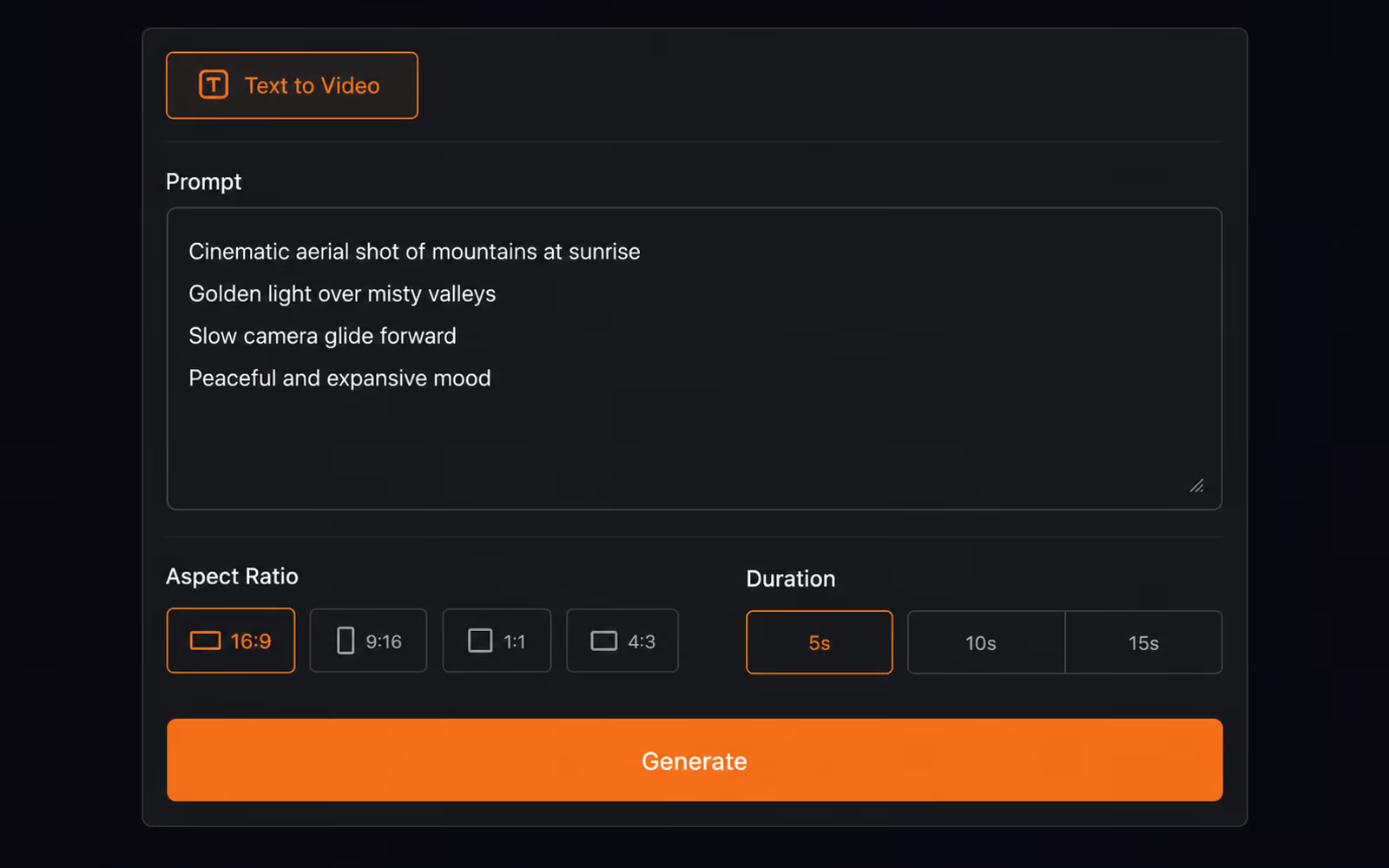
1. Choose the input mode.
Start from text to video, first and last frames, or a reference set. Add only the images, video, and audio that clearly communicate the result.
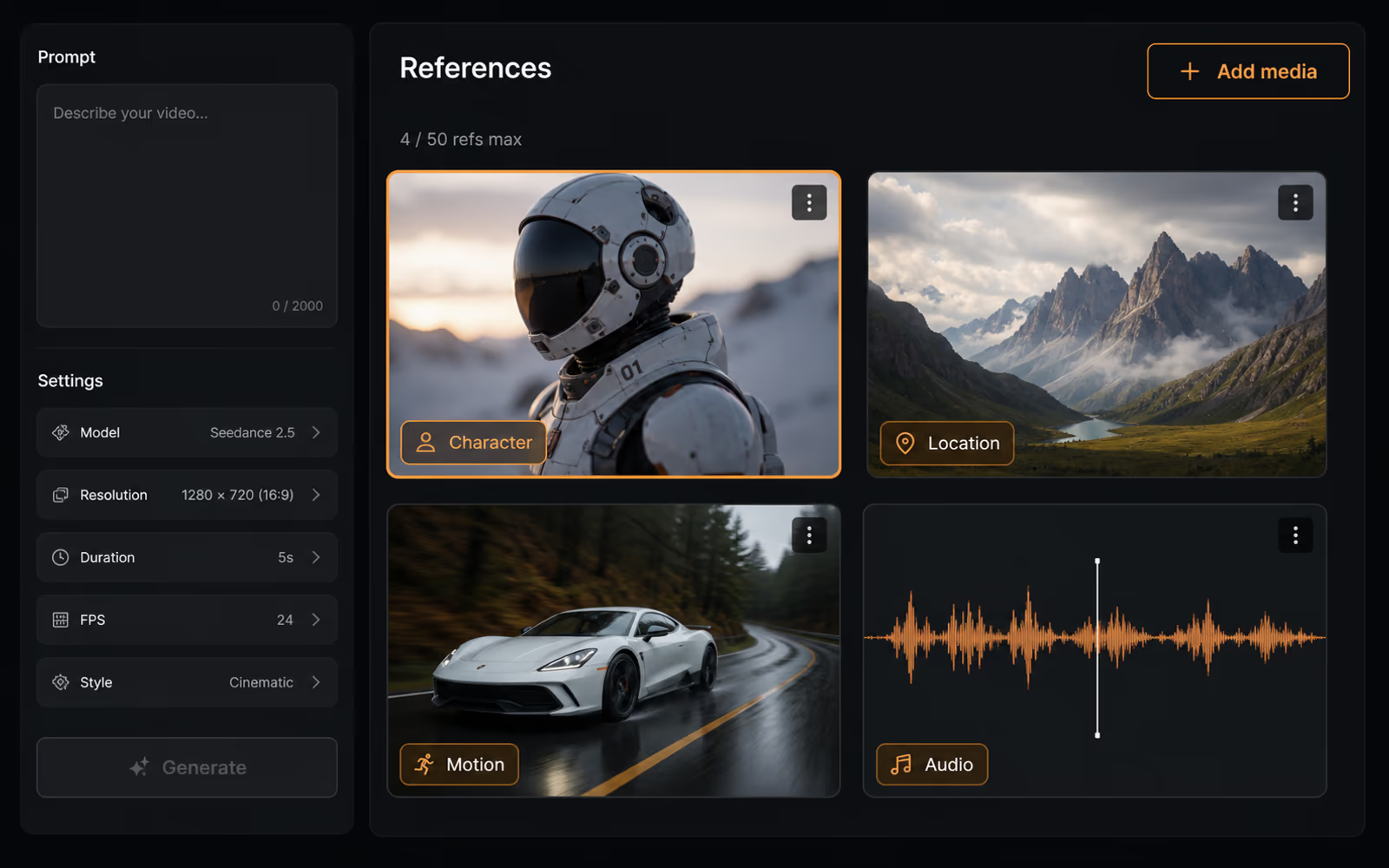
2. Direct picture and sound.
State what must stay consistent, what should change, and how the camera and sound should develop. Choose 4–15 seconds and the ratio for your workflow.
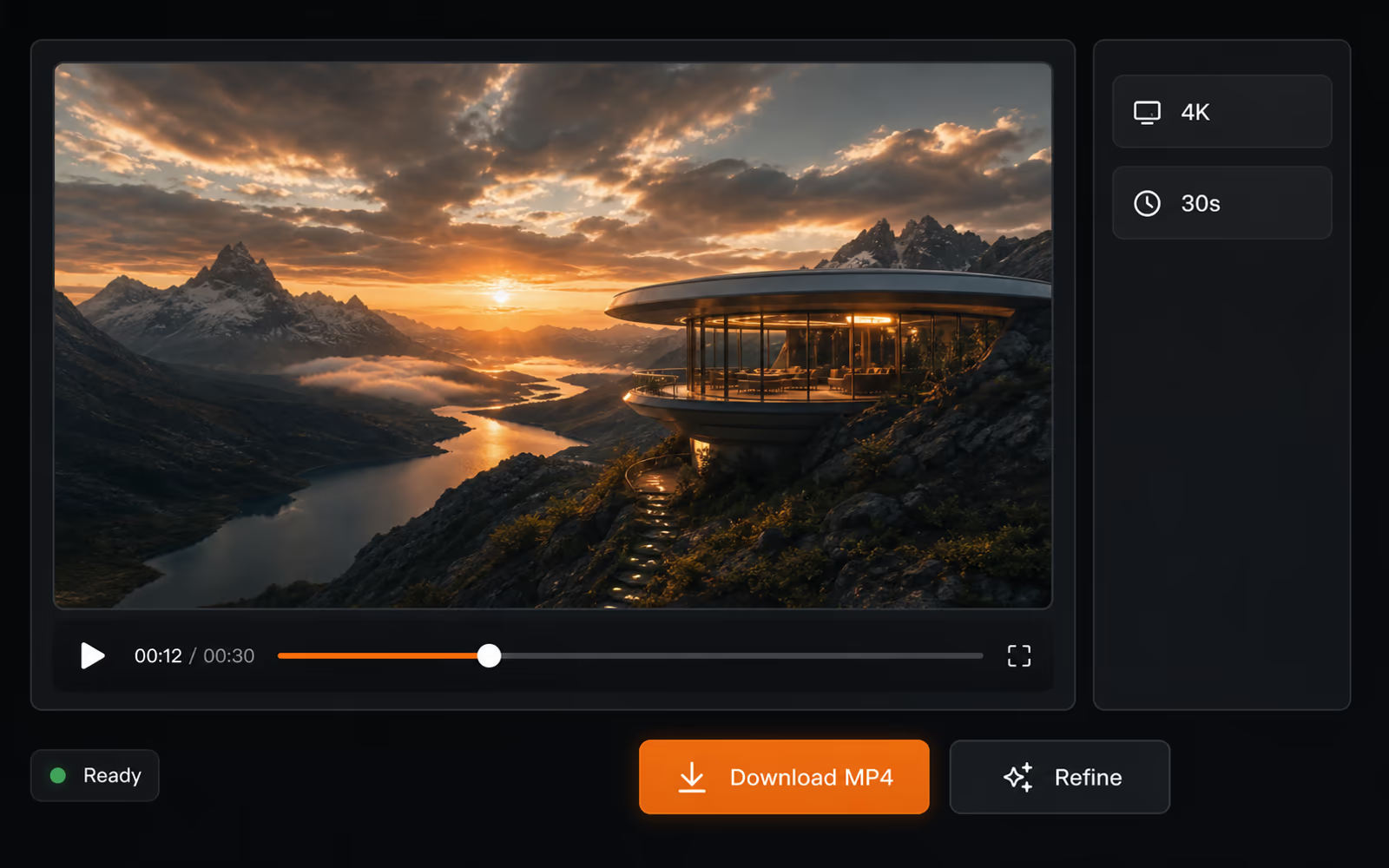
3. Generate, review, download.
Submit the task, monitor its status, review the 2K result, refine the direction when needed, then download the finished MP4.
Model Comparison
MiniMax H3 vs Seedance 2.0
Choose the workflow around output detail, audiovisual control, and the kind of reference material you already have.
| Capability | MiniMax H3 | Seedance 2.0 |
|---|---|---|
| Maximum duration | 4–15 seconds | Up to 15 seconds |
| Resolution | 768P and 2K | Platform-dependent |
| Input modalities | Text · image · video · audio | Text · image · video · audio |
| Reference capacity | Up to 9 images · 3 videos · 3 audio clips | Up to 9 images · 3 videos · 3 audio clips |
| Native stereo sound | Voice, music, effects, and ambience | Dual-channel stereo output |
| Best fit | 2K ads, e-commerce, games, UI motion, editing | Complex motion, interaction, and extension |
Bottom line. Pick MiniMax H3 for 2K output, native audio, and multimodal editing. Pick Seedance 2.0 for complex motion and video extension.
LongCat AI Pricing
Choose Your Credit Pack
One-time purchases for LongCat Video and LongCat Avatar. Credits never expire—use them across generation, editing, and avatar workflows.
Base
$9.9one-time
90 Credits
Up to 18 videos generation
Audio-driven avatar generation
480p, 720p, 1080p resolution
Super-realistic lip synchronization
Natural human dynamics
Up to 30s audio duration
Long-term identity consistency
Most Popular
Pro
$29.9one-time
400 Credits
Up to 80 videos generation
Audio-driven avatar generation
480p, 720p, 1080p resolution
Super-realistic lip synchronization
Natural human dynamics
Multi-Character support
Up to 30s audio duration
Long-term identity consistency
Priority processing
Ultimate
$49.9one-time
800 Credits
Up to 160 videos generation
Audio-driven avatar generation
480p, 720p, 1080p resolution
Super-realistic lip synchronization
Natural human dynamics
Multi-Character interactions
Long-form video generation
Up to 30s audio duration
Long-term identity consistency
Priority processing
Production-ready quality
Creator
$99.9one-time
1800 Credits
Up to 360 videos generation
Audio-driven avatar generation
480p, 720p, 1080p resolution
Super-realistic lip synchronization
Natural human dynamics
Multi-Character & infinite-length support
Long-form video generation
Up to 30s audio duration
Long-term identity consistency
Highest priority processing
Production-ready architecture
Commercial license
Choose one-time credits • Flexible billing options
FAQ
MiniMax H3 AI Video Generator FAQ
What is MiniMax H3?+
MiniMax H3 is a multimodal AI video model that generates picture and native stereo sound together from text, frames, and image, video, or audio references.
Does MiniMax H3 generate native audio with video?+
Yes. It can generate dialogue, voice, music, sound effects, and ambience as part of the same audiovisual result.
What resolution and duration are available?+
This browser generator supports 768P and 2K output with durations from 4 to 15 seconds.
Can I use image, video, and audio references together?+
Yes. Reference mode accepts up to 9 images, 3 videos, and 3 audio clips, with up to 12 files used in one request. Audio must be paired with at least one image or video.
How are MiniMax H3 credits calculated?+
2K output costs 4 credits per second and 768P output costs 2 credits per second. The first five images are free; additional images cost 1 credit each. Reference video costs 3 credits per second at 2K or 2 credits per second at 768P.
Can MiniMax H3 animate a first and last frame?+
Yes. Upload both frames, then describe the action, transformation, camera movement, and sound that should connect them.
Which aspect ratios are supported?+
Reference mode supports Adaptive, 21:9, 16:9, 4:3, 1:1, 3:4, and 9:16. Text and frame workflows support the five fixed ratios from 16:9 through 9:16.
Can MiniMax H3 edit an existing video?+
A video reference can guide motion, camera behavior, style, timing, and pacing. Use focused instructions that clearly separate what should remain from what should change.
Does MiniMax H3 support voice and performance references?+
Audio references can guide voice, timing, rhythm, and performance when paired with an image or video reference.
How long does generation take?+
Generation time varies with output settings, request complexity, and service load. The generator shows progress until the video is ready.
Get Started
Ready to create?
Generate 4–15 second 2K audiovisual video from text, frames, and multimodal references.
Open the generator